Ask "what is this skin worth?" and you will get several different numbers depending on where you look. Steam shows one price, every third-party marketplace shows another, and the copy in your inventory may be worth more or less than any of them because of its float, its pattern or the stickers on it. This guide walks through how to find the number that actually matters for what you want to do: buy, sell, or just know what you own.
Step 1: get the item's exact name
Before comparing anything, make sure you are looking up the right item. Markets list skins by their full market name, and small differences in that name are separate items with separate prices:
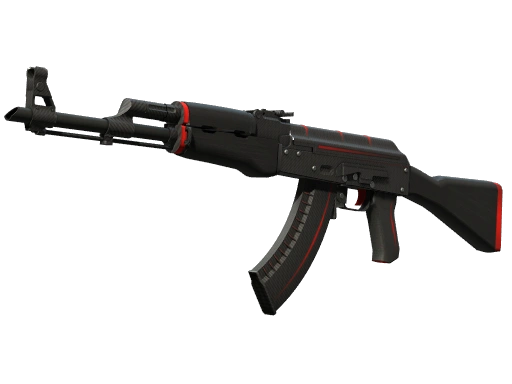
- The exterior. AK-47 | Redline (Field-Tested) and AK-47 | Redline (Minimal Wear) are priced independently, often far apart. The exterior comes from the skin's float value.
- StatTrak™. A StatTrak™ copy is its own listing and usually costs noticeably more than the normal one.
- Souvenir. Souvenir versions from Major packages are listed separately as well.
- Knives and gloves carry a ★ in front of the name, and a knife with no finish (for example a plain "★ Karambit") has a price of its own.
Not every exterior exists for every skin. Many finishes only drop within part of the float range, so if you cannot find a Factory New listing, it may simply not exist. Every skin page on this site lists the float range and the exteriors it really comes in — AK-47 | Redline, for instance, never comes in Factory New.
Step 2: check the Steam Community Market
Steam's market is the reference point most players know, and for ordinary skins it is a reasonable starting point. Search the skin by name on the market, or open the item in your Steam inventory, where the current lowest listing is shown next to it.
Two things make Steam's number different from what you see elsewhere:
- Fees. Steam takes a cut of every sale — a 5% Steam fee plus a 10% Counter-Strike fee, charged on top of what the seller receives. A seller who wants $10.00 lists the item at about $11.50, and a buyer who pays $11.50 has given the seller only about 87% of that.
- Steam Wallet money stays on Steam. Funds from a sale go to your Steam Wallet and cannot be withdrawn. Because buyers pay with money that has nowhere else to go, Steam prices typically sit above what the same skin sells for on marketplaces that pay out in cash.
Steam also groups every copy of a skin into its exterior. A Factory New skin at 0.0001 and one at 0.069 share a single listing, and Steam's price takes no account of a rare pattern or of stickers. For a common skin in a common condition that does not matter. For anything special, Steam's number is a floor, not a valuation.
Step 3: compare marketplaces side by side
Third-party marketplaces each have their own sellers, fees and currencies, so the same skin can be noticeably cheaper on one than on another, and the cheapest one changes from day to day. Checking each site by hand is slow; comparing them in one place is faster.
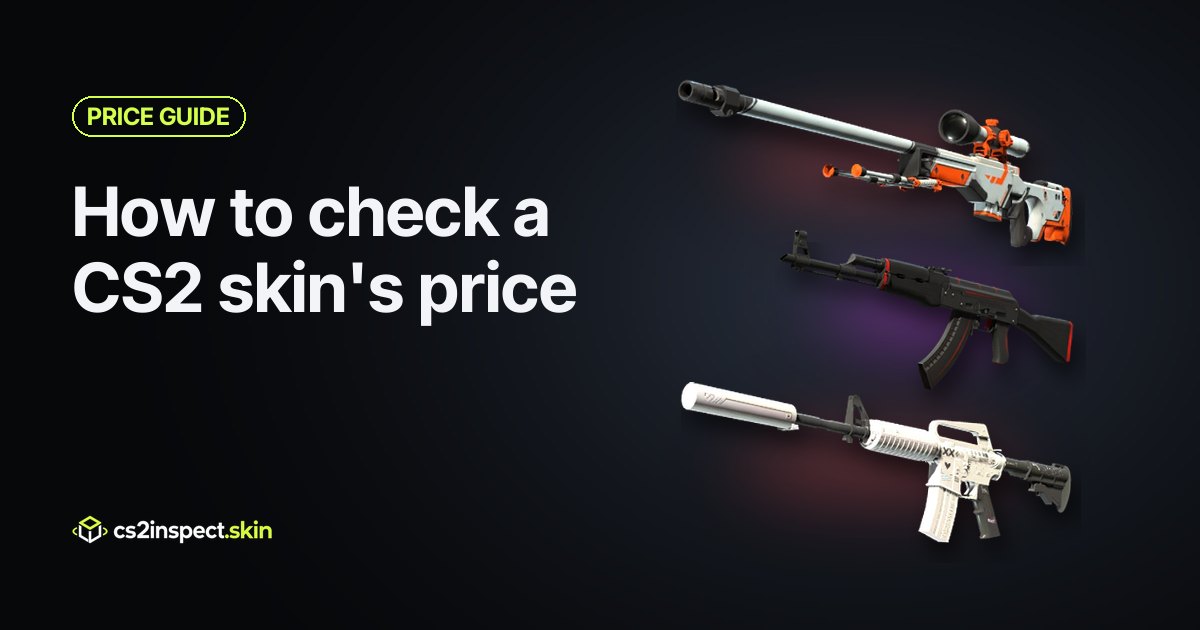
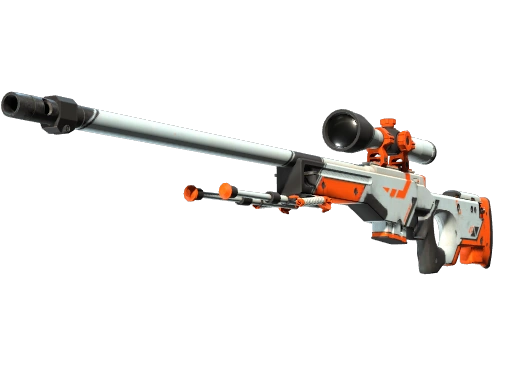
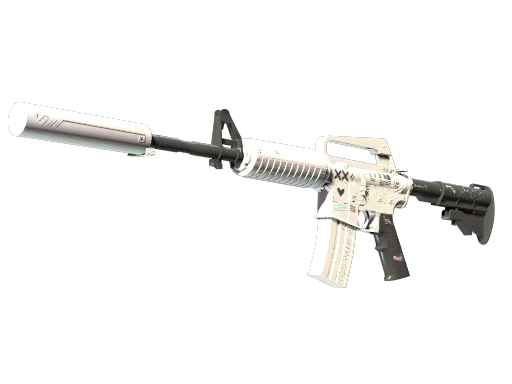
Every skin on cs2inspect.skin has a price page that does this. It puts the current lowest offer from twelve marketplaces — including Steam Market, CSFloat, Skinport, Buff.market and DMarket — next to each other, shows the cheapest offer in every exterior, and charts how the price has moved. See AWP | Asiimov or M4A1-S | Printstream for an example. When you click through, you buy on the marketplace itself; nothing is sold here.
Prices on marketplaces can be in different currencies. The price page keeps each offer in the currency the marketplace gave it in, so compare like with like, and always confirm the final price — fees included — on the marketplace before you pay.
Step 4: separate the asking price from the selling price
The lowest listing is what a seller is asking. It is not proof that anyone will pay it. Before you trust a number, look at:
- Recent sales. What copies have actually sold for in the last days or weeks is a better guide than a single listing. The median of recent sales is harder to distort than the lowest or highest one.
- How many listings there are. A skin with hundreds of listings has a reliable price. A skin with three can be listed at almost anything, and the next sale may land far from it.
- The trend. A price that has been falling for a month is a different proposition from one that has been flat for a year. The price history chart on each price page shows which you are looking at.
Step 5: check whether your copy is worth more than the listing
Market prices describe an average copy of a skin. Three things can make a particular copy worth considerably more, and none of them shows up in a simple price lookup:
Float within its exterior
A float near the bottom of its exterior — a 0.15 Field-Tested, or a Factory New close to 0.00 — can sell for more than the exterior's going rate, because it looks cleaner than most copies with the same name. The opposite end of an exterior is worth less. In the viewer, drag the float slider across the whole exterior to see how much the skin changes; if the difference is easy to see, buyers will pay for it.
Pattern
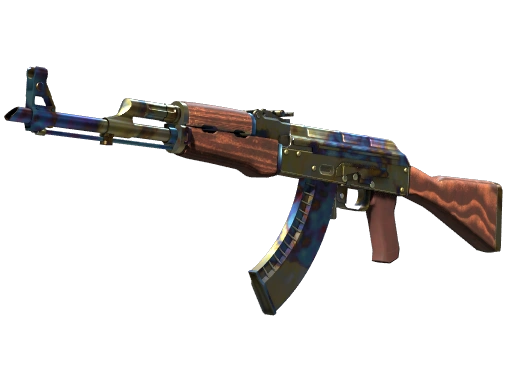
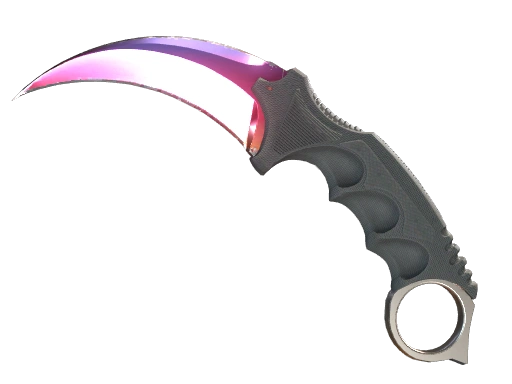
On most finishes the pattern seed barely matters. On a few it decides almost everything. AK-47 | Case Hardened copies with mostly blue patterns, Karambit | Fade copies with the fullest fade and similar finishes trade at large premiums over the market price, and those premiums are set by collectors rather than by any market listing. Enter the seed in the viewer to see exactly what a given copy looks like before you price it.
Stickers
Stickers rarely add their full price to a skin. Common stickers add little or nothing; rare ones — older tournament stickers in particular — can add real value, but usually only a fraction of what the stickers would cost on their own. Whether stickers are scraped matters too.
If your copy is unusual on any of these, the honest way to price it is to find sales of copies that are similar in the same way — similar float, similar pattern, similar stickers — and to ask experienced traders. A general price lookup will not do it for you.
If you are selling: work out what you will actually receive
The price a buyer pays is not the amount you get. Before you list, subtract the marketplace's fee, and decide which you want more:
- A quick sale — list at or just under the current lowest offer, and accept that you are taking the market's price.
- The best price — list higher and wait, which works for skins that sell often and fails for skins that rarely sell at all.
If you are buying instead and the price is not right yet, set a price alert on the skin's price page and you will get an email when it drops below the price you choose.
A quick checklist
- Find the exact market name: exterior, StatTrak™ or Souvenir.
- Check the Steam price, remembering the fee and that Wallet money cannot be withdrawn.
- Compare the marketplaces side by side on the skin's price page.
- Look at recent sales and the price trend, not only the lowest listing.
- Check float, pattern and stickers in the viewer before assuming your copy is average.
- If selling, subtract the fee from the price to see what you will receive.
Questions
Why is the same skin cheaper on other marketplaces than on Steam?
Steam sales pay out in Steam Wallet funds, which cannot be withdrawn as cash, and Steam's fees are added on top of the seller's price. Marketplaces that pay sellers in real money usually settle at lower prices for the same item.
Does Steam's price account for float, pattern or stickers?
No. Steam groups every copy into its exterior and prices them together. A rare float, a rare pattern or valuable stickers have to be priced by looking at sales of similar copies.
How often do skin prices change?
Constantly. Popular skins move a little every day, and case releases, game updates and major tournaments can move whole groups of skins at once. Check the price history, not just today's number.
Can I check a price without signing in?
Yes. Every price page on cs2inspect.skin works without an account. Signing in is only needed to set price alerts.